You want to show a short message when someone enters your Shopify store. It might be a free-shipping offer, a sale announcement, or a link to a new collection. You do not need a paid popup app for a message like this.
Add a small piece of HTML, CSS, and JavaScript to your theme. The code below shows the popup after a delay, lets the visitor close it, and remembers that choice for a set number of days.
I’ll use a free-shipping message throughout the article. Replace the text and link with your own offer.
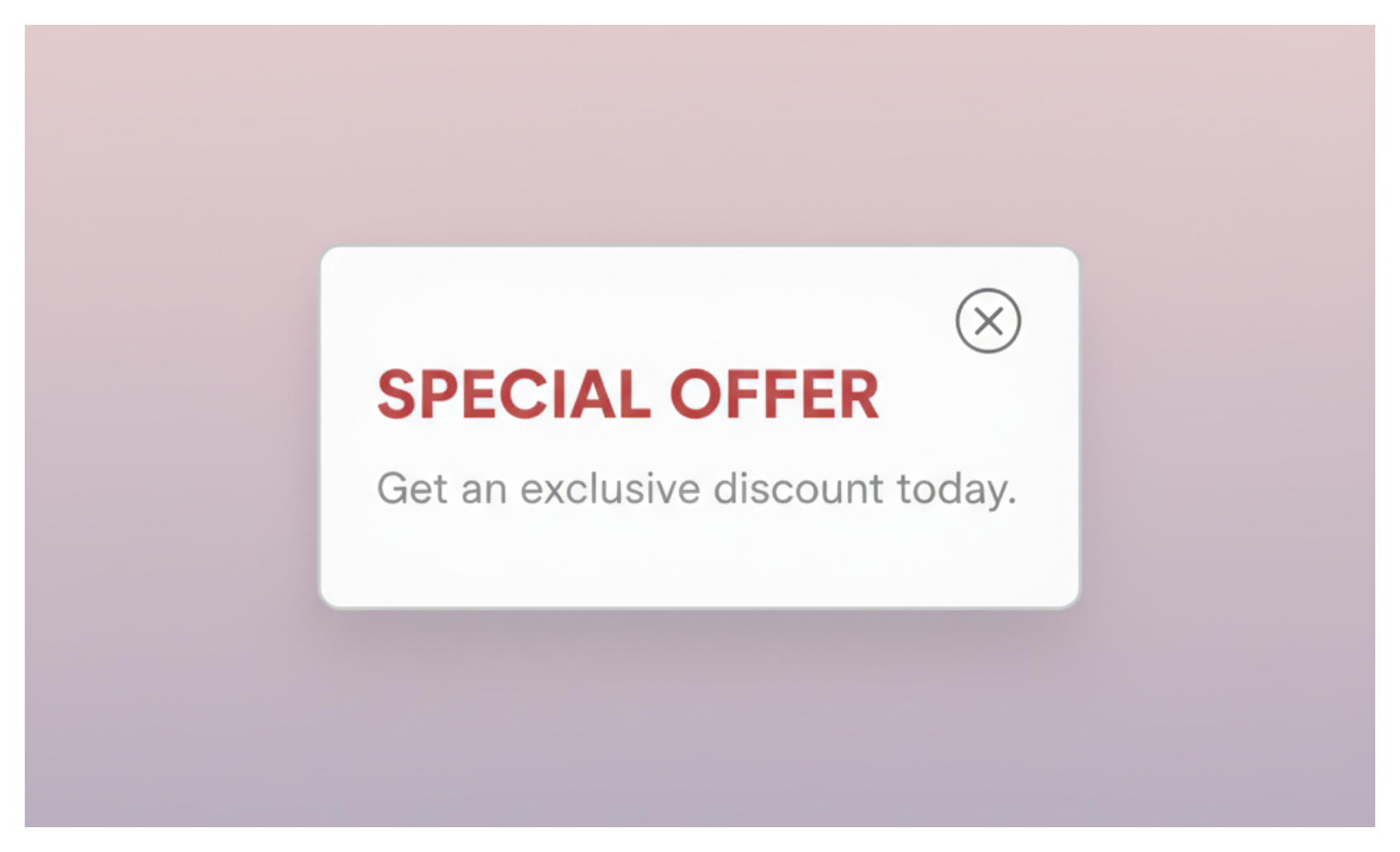
Add the popup to your theme
Make a copy of your theme before editing its code. Go to Online Store → Themes, open the actions menu for your theme, and click Duplicate.
Open the actions menu again and choose Edit code. Open theme.liquid, find the closing </body> tag, and paste the code immediately before it.
{% if template == 'index' %}
<style>
#merchant-popup {
display: none;
position: fixed;
inset: 0;
z-index: 9999;
align-items: center;
justify-content: center;
padding: 16px;
background: rgba(0, 0, 0, 0.5);
}
#merchant-popup.is-open {
display: flex;
}
#merchant-popup .merchant-popup-box {
position: relative;
width: min(400px, 100%);
max-height: calc(100vh - 32px);
overflow: auto;
padding: 32px 24px 24px;
background: #fff;
color: #111;
text-align: center;
border-radius: 8px;
box-sizing: border-box;
}
#merchant-popup .merchant-popup-close {
position: absolute;
top: 8px;
right: 12px;
padding: 4px 8px;
border: 0;
background: transparent;
color: #555;
font-size: 24px;
line-height: 1;
cursor: pointer;
}
#merchant-popup .merchant-popup-link {
display: inline-block;
margin-top: 12px;
padding: 11px 18px;
background: #111;
color: #fff;
text-decoration: none;
border-radius: 4px;
}
@media (prefers-reduced-motion: no-preference) {
#merchant-popup .merchant-popup-box {
animation: merchant-popup-in 180ms ease-out;
}
}
@keyframes merchant-popup-in {
from { transform: translateY(8px); opacity: 0; }
to { transform: translateY(0); opacity: 1; }
}
</style>
<div id="merchant-popup" role="dialog" aria-modal="true" aria-labelledby="merchant-popup-title">
<div class="merchant-popup-box">
<button class="merchant-popup-close" type="button" aria-label="Close popup">×</button>
<h2 id="merchant-popup-title">Free shipping on orders over $50</h2>
<p>Place your order this week and we’ll cover shipping.</p>
<a class="merchant-popup-link" href="/collections/all">Shop now</a>
</div>
</div>
<script>
(function () {
var popup = document.getElementById('merchant-popup');
if (!popup) return;
var closeButton = popup.querySelector('.merchant-popup-close');
var storageKey = 'merchant_popup_closed_until';
var delayMs = 5000;
var showOnExit = false;
var rememberDays = 7;
var opened = false;
function getCookie(name) {
var prefix = name + '=';
var cookies = document.cookie.split(';');
for (var i = 0; i < cookies.length; i += 1) {
var cookie = cookies[i].trim();
if (cookie.indexOf(prefix) === 0) return cookie.slice(prefix.length);
}
return '';
}
function hasRememberedClose() {
var closedUntil = Number(getCookie(storageKey));
return closedUntil && closedUntil > Date.now();
}
function rememberClose() {
var closedUntil = Date.now() + (rememberDays * 24 * 60 * 60 * 1000);
document.cookie = storageKey + '=' + closedUntil + '; max-age=' + (rememberDays * 24 * 60 * 60) + '; path=/; SameSite=Lax';
}
function openPopup() {
if (opened || hasRememberedClose()) return;
opened = true;
popup.classList.add('is-open');
closeButton.focus();
}
function closePopup() {
popup.classList.remove('is-open');
rememberClose();
}
if (!hasRememberedClose()) {
window.setTimeout(openPopup, delayMs);
}
if (showOnExit) {
document.addEventListener('mouseout', function (event) {
if (event.clientY <= 0) openPopup();
});
}
closeButton.addEventListener('click', closePopup);
popup.addEventListener('click', function (event) {
if (event.target === popup) closePopup();
});
document.addEventListener('keydown', function (event) {
if (event.key === 'Escape' && popup.classList.contains('is-open')) {
closePopup();
}
});
}());
</script>
{% endif %}
Save the file, then open your theme preview. On the homepage, the popup should appear after five seconds. Click the close button, click outside the white box, or press Escape. It should close and stay hidden for seven days in that browser.
Change when the popup appears
The settings are near the top of the JavaScript:
var delayMs = 5000;
var showOnExit = false;
var rememberDays = 7;
delayMs controls the wait before the popup appears. 5000 means five seconds. Change it to 8000 for eight seconds or 0 to show it as soon as the page loads.
Set showOnExit to true when you want the popup to appear after a desktop visitor moves the pointer toward the top of the browser window. This exit check does not work on phones because phones do not have a pointer moving toward the browser controls.
rememberDays controls how long the popup stays hidden after the visitor closes it. Set it to 0 if it should appear again on the next page load. A short delay and a longer remember period are usually less disruptive than showing the popup on every page.
Show it on more than the homepage
The Liquid condition at the top limits the popup to the homepage:
{% if template == 'index' %}
To show it on product pages too, change it to:
{% if template == 'index' or template == 'product' %}
To show it everywhere in the online store, remove the opening and closing {% if %} lines. Keep the popup out of checkout because your theme code does not control Shopify checkout pages.
Check the popup on mobile
Open the theme preview on a phone, or resize your browser to a narrow screen. The white box should fit inside the screen, and longer text should scroll inside the box instead of running below the screen.
Keep the close button visible at the top. Do not place the popup over the product's Add to cart button immediately after the page loads. A visitor should be able to dismiss the message and continue shopping without hunting for the close control.
What this code does not do
This popup displays a message and sends the visitor to a link. It does not save an email address, create a discount code, measure signups, or show different messages to different customers.
If you want to collect email addresses without paying for an app, Shopify Forms can create a popup form. It stores form submissions in Shopify and includes settings for the pages, devices, delay, and desktop exit intent. You need to activate the Forms app embed in Online Store → Themes → Customize → App embeds before the form can appear.
For email campaigns, use an email platform such as Omnisend. For audience targeting and popup reporting, Privy is a better fit than maintaining the code yourself.
For a simple store announcement, the theme code is enough. Keep it to one message, show it after the visitor has had time to see the store, and let the visitor close it immediately.