If you run a Shopify store, this situation probably feels familiar.
You open your analytics and see 20 plus people reaching checkout, but only one or two orders actually go through. This does not happen once. It keeps happening day after day.
At that point, it stops feeling like bad luck. People are reaching checkout, which means there is at least some buying intent. But something is breaking between starting checkout and completing the purchase.
In some cases, the issue is traffic quality. If the audience is wrong, the pricing does not match expectations, or the acquisition channel is misaligned, people may click through out of curiosity rather than intent.
However, when shoppers consistently reach checkout and still do not convert, it is often a sign that friction exists inside the checkout experience itself.
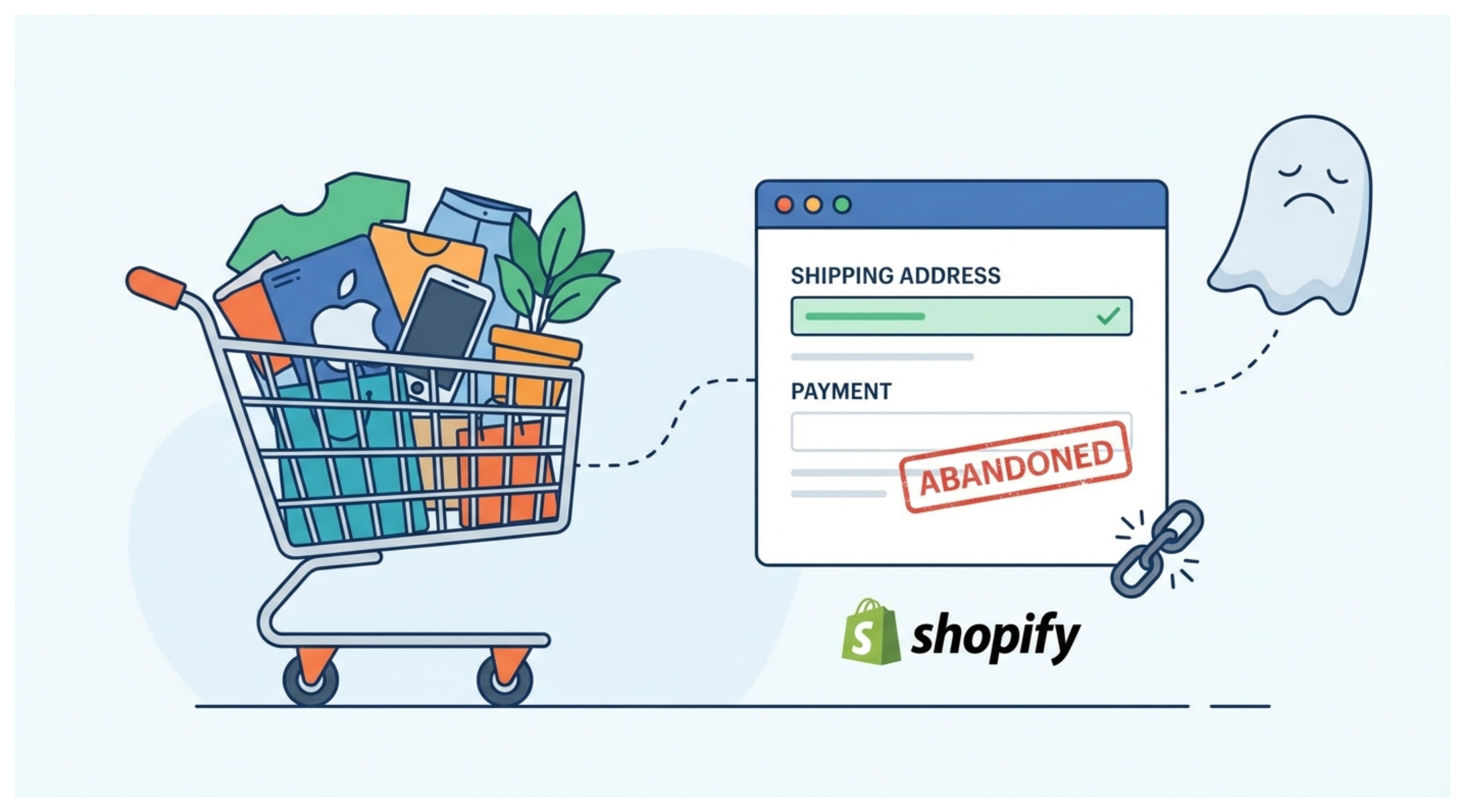
Before assuming it is only an acquisition problem, it is worth understanding what commonly causes users to abandon checkout and what you can realistically fix on the store side.
Let’s go through each issue one by one and see how you can identify it, fix it, and test it.
1. Unexpected Total Cost at Checkout
Unexpected costs are one of the most common reasons shoppers abandon checkout.
A customer may be comfortable with the product price, add the item to cart, and proceed to checkout. Then shipping fees, taxes, or additional charges make the final total higher than expected. Even a small increase can change how the purchase feels.
When the final amount does not match what the shopper expected, hesitation sets in, and many users choose to leave instead of completing the order.
If a large number of users reach checkout while very few complete it, unexpected costs are one of the first issues worth testing.
How to Fix or Test This Issue
The goal is to reduce surprises.
Show estimated shipping and taxes earlier in the journey, such as on the product page or in the cart. Even approximate ranges help set expectations.
You can also test free shipping thresholds or a tiered discount structure to make the checkout feel simpler and more rewarding.
If you use weight-based shipping rates, make sure your rate ranges are set up correctly so customers with small orders are not being shown rates intended for large orders — the article on setting up Shopify shipping rates based on order weight covers how to configure this precisely.
After making changes, compare checkout completion rates for the same products and traffic sources. If completion improves, you have strong evidence that unexpected costs were creating friction.
2. Trust Issues at Checkout
Checkout is the moment where trust is tested.
A shopper may like the product and the price, but if anything feels off at checkout, hesitation sets in. Since payment details are involved, even small doubts can be enough for someone to abandon the purchase.
Common trust issues include missing or unclear return and refund policies, lack of reviews or social proof, no visible contact information, or a checkout experience that feels generic or inconsistent with the rest of the store.
For stores running paid ads to cold audiences, trust issues often start before checkout — on the product page itself. The guide on building trust with cold traffic when you have few reviews covers what actually reduces purchase anxiety for first-time visitors from paid channels, which is a separate problem from checkout friction.
A live chat option on the product page also helps here — customers who have a quick question before buying can get an answer rather than leaving to search elsewhere. The guide on adding a simple live chat to your Shopify store without AI covers how to set this up quickly with Shopify Inbox.
When customers are asked to enter sensitive information, they want reassurance that the store is legitimate and that help is available if something goes wrong.
How to Fix or Test This Issue
Start by making reassurance visible at checkout.
Clearly display return and refund policies near the payment section. Avoid hiding them in the footer or separate pages.
Add social proof wherever possible, such as customer reviews, testimonials, or trust badges, especially near the checkout button.
Ensure branding is consistent from product page to checkout. Fonts, colors, and tone should remain uniform.
Also provide an easy way to contact you, such as a support email or chat link, visible during checkout.
After making these changes, track checkout completion rates. If more users finish checkout without changes to traffic, trust was likely a major friction point.
3. Payment Methods Can Impact Checkout Completion
Payment options influence how easy checkout feels, especially on mobile devices.
Some shoppers are ready to buy but abandon checkout because their preferred payment method is missing. If a store only offers cards and PayPal, users who rely on Apple Pay, Google Pay, or buy now pay later options may leave.
Accelerated payment methods reduce friction by removing the need to manually enter addresses and card details. On mobile, this convenience can make a noticeable difference in whether someone completes checkout or abandons it.
How to Fix or Test This Issue
Enable accelerated payment options such as Shop Pay, Apple Pay, and Google Pay wherever possible.
If relevant for your audience, consider adding buy now pay later options like Klarna or Afterpay.
After enabling new payment methods, compare checkout completion rates for mobile and desktop traffic. If mobile conversions improve without changes to traffic or pricing, payment friction was likely a key factor.
Remember, payment methods are rarely the only issue. Adding more options will not fix problems like unexpected costs, lack of trust, or a broken checkout experience. They help, but only as part of a broader optimization.
4. Technical and UX Issues at Checkout
Technical problems and poor user experience are often overlooked causes of checkout abandonment. One specific issue worth checking: if your store uses a cart drawer, customers who click the cart link inside Shopify's checkout get sent to the default /cart page instead of back into your drawer experience — which can feel jarring and cause drop-off. There is a straightforward workaround for this cart page redirect problem.
Many merchants rarely go through their own checkout end to end. Issues like slow loading pages, form validation errors, broken discount codes, or autofill failures can go unnoticed.
In some cases, checkout works perfectly on desktop but breaks on mobile. In others, it fails only on certain browsers, devices, or locations.
Page speed is worth checking specifically. A checkout page that takes 5 or 6 seconds to load loses customers before they even see the payment form. If your store has broader speed issues, the guide on why your Shopify store is loading slowly covers how to identify the cause and fix it.
When a shopper encounters even one technical issue while trying to pay, most will leave and not retry.
How to Fix or Test This Issue
Regularly test your entire checkout flow from start to finish.
Place test orders on mobile and desktop using different browsers and devices. Test both logged in and guest checkout.
Apply discount codes, use autofill, and try different payment methods to catch edge cases.
After fixing issues, monitor checkout completion rates by device and browser. If performance improves without changes to traffic or pricing, technical or UX problems were likely blocking conversions.
How to Test and Monitor Checkout Issues
Checkout abandonment usually involves more than one factor, so it is important to approach it systematically.
Use the four areas we have discussed: unexpected costs, trust, payment methods, and technical or UX issues as your framework.
Test each factor individually: Change one element at a time such as showing shipping earlier, adding a payment option, clarifying return policies, or fixing technical glitches and measure its impact on conversions
Segment your data: Look for patterns in mobile versus desktop, product types, geographic locations, or traffic sources. This helps you understand which factor affects which segment most
Iterate based on results: Implement changes based on data, monitor the effect, and adjust. Improvements often come from addressing multiple small frictions together, but testing step by step ensures you know which changes are driving results
By systematically testing each area, you can pinpoint friction points, make targeted fixes, and steadily increase checkout completion. One related area worth understanding is what to do when an order does complete but gets flagged as high risk — the guide on evaluating high-risk orders in Shopify covers how to read the fraud signals and decide whether to fulfill, verify, or cancel.
Practical Ways to Recover Abandoned Checkouts
Even with a well optimized checkout, some abandonment is inevitable. The goal is to recover as many lost sales as possible.
Exit intent popups are one effective approach. These capture last minute hesitation by offering a small incentive or asking a simple question about why the shopper is leaving. You can add a basic exit popup to Shopify without any paid app using a small code snippet in your theme.
Checkout abandonment email flows are another highly effective tool. A well-timed reminder email can bring users back to complete their purchase. For first time buyers, including a small discount often helps convert them.
By understanding the key friction points, testing methodically, and acting on real data, you can turn more checkouts into completed sales and steadily grow your Shopify store’s revenue.