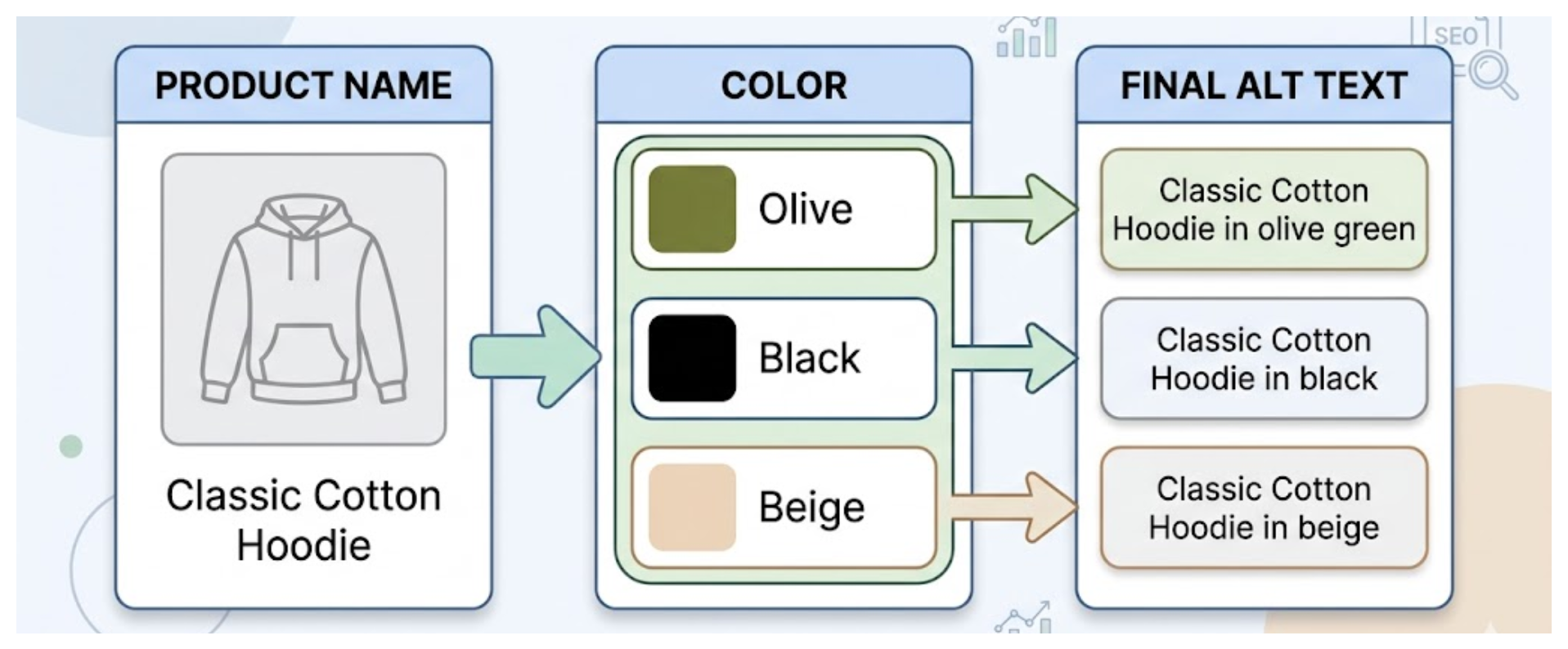
You sell a cotton hoodie in blue, black, and olive. Each color has its own product photos, and you are unsure whether the alt text should use the product name, the color, or both. You also want to know whether similar descriptions affect your SEO.
Use the product name and color in the alt text. When one color has several photos, add the view or detail shown in each photo, such as the front, back, or fabric close-up.
Where to add the alt text
Open the hoodie in Shopify admin and edit each photo from the product's media section:
- Open Products and select the cotton hoodie.
- In Media, click a photo.
- Enter the description in Alt text.
- Select Save alt text.
Repeat the steps for the black and olive photos. Alt text belongs to the photo, so each photo needs wording that matches what it shows.
What to write for each color
Start with the product and color. Keep the wording natural and describe the visible detail.
For the cotton hoodie, use examples such as:
Blue cotton hoodie, front viewBlack cotton hoodie, back viewOlive cotton hoodie with a kangaroo pocket
The color matters because it is the detail that changes between the photos. A screen reader user should know which hoodie color the photo shows, and Google gets useful context for the image.
When one color has several photos
Give each photo its own short description. Include the color and say what the extra photo adds.
For the blue hoodie, you could write:
Blue cotton hoodie, front viewBlue cotton hoodie, back viewClose-up of the blue cotton hoodie fabric
You do not need to invent a completely different description for every photo. Change the part that describes the view, detail, or setting. Leave out details that the photo does not show.
For more examples of what to include in image descriptions, see Shopify alt text best practices.
Similar alt text does not cause a problem
Color photos of the same hoodie will naturally have similar alt text. That is expected. Use the correct color and describe the difference between the photos when there is one.
Avoid copying one exact sentence onto every photo. A repeated description does not tell a screen reader user which color or view they are seeing.
Updating many color photos
Editing each photo in Shopify works for a few products. A large catalog with several colors and photos per product takes much longer because every image needs its own description.
AltMate puts your product photos and their alt text in one table. It suggests descriptions that include the product and color, then lets you review each one before saving it to Shopify.